
 Campbell Steven
Driving test apps are now widely used by learner drivers looking for structured and flexible preparation support. These tools offer access to theory revision, hazard perception practice, and route familiarity, all within a single digital platform. Despite their popularity, many learners remain unclear about how these apps work, whether test routes are official, and how personal data is handled. Misunderstanding these areas can lead to unrealistic expectations or misuse. This guide explains the core elements of driving test apps, helping learners understand their purpose, limitations, and privacy considerations so they can prepare confidently and responsibly.
What Driving Test Apps Are Designed to Do
Driving test apps are designed to support preparation rather than replace professional instruction. Their main goal is to organise learning, improve consistency, and highlight areas that require improvement.
Most apps focus on theory knowledge, hazard perception, and practical readiness through structured content. By dividing information into clear sections, they reduce confusion and help learners progress steadily.
An App for Driving Test also encourages independent revision. Learners can practise at their own pace, repeat difficult topics, and track improvement over time. This approach supports confidence and reduces reliance on last-minute revision.
Digital preparation tools work best when used consistently alongside driving lessons, creating a balanced and well-informed preparation routine.
Understanding DVSA Routes and Route Practice
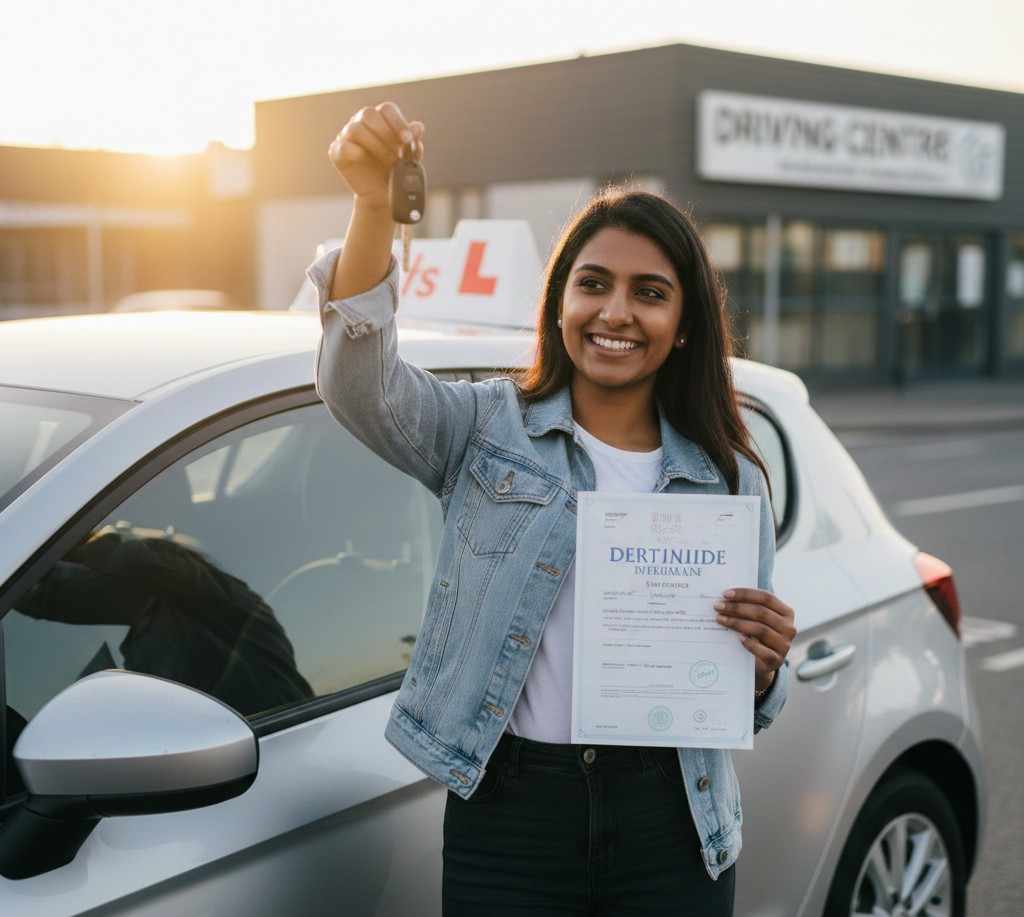
Route practice is one of the most talked-about features in driving test apps. Many learners assume that the routes provided are official or guaranteed test paths, which is not the case.
Driving examiners do not follow fixed routes. While certain roads near test centres are used more frequently, routes vary to ensure fairness and prevent memorisation. Apps typically use commonly driven roads rather than confirmed DVSA routes.
Route familiarity helps learners become comfortable with local layouts, junctions, and traffic flow. This reduces anxiety and improves awareness. However, learners should focus on adaptable driving skills rather than memorising directions. Understanding the purpose of route practice helps learners use it effectively without developing false expectations.
Key Features That Support Driving Test Preparation
Driving test apps include a range of features designed to support steady learning and confidence-building. These tools help learners revise efficiently and identify weaknesses early.
Common features include:
- Clearly organised theory topics
- Timed mock tests reflecting exam conditions
- Hazard perception practice with guided feedback
- Visual progress tracking dashboards
- Regular revision reminders
These features encourage active engagement rather than passive reading. Timed tests support pacing, while hazard clips improve awareness and reaction timing.
An App for Driving Test provides immediate explanations for incorrect answers, allowing learners to correct misunderstandings before they become habits. This feedback-driven approach supports consistent improvement.
Limits of Driving Test Apps and Realistic Expectations
While driving test apps offer valuable support, they are not a complete preparation solution. Understanding their limitations is essential for effective use.
Apps cannot replicate real driving conditions such as traffic behaviour, weather changes, or examiner interaction. Practical skills must be developed through hands-on driving experience.
Over-reliance on route practice can also reduce adaptability. Examiners assess safe driving behaviour, observation, and decision-making rather than route memory. Driving test apps should be viewed as supportive tools rather than guarantees. Combining digital revision with professional instruction ensures balanced preparation and realistic expectations.
Data Privacy and User Safety Considerations
Data privacy is an important consideration when using any digital application. Driving test apps often collect personal information such as email addresses, test centre preferences, and usage data.
Reliable apps follow data protection regulations and clearly explain how information is stored and used. Users should review privacy policies carefully before registering.
Key privacy areas to review include:
| Area | What to Check |
| Data storage | Secure handling of personal information |
| Permissions | Access limited to necessary features |
| Updates | Regular security improvements |
| Transparency | Clear and accessible privacy policies |
Avoid apps that request unnecessary permissions or lack transparency. Responsible usage protects personal data and builds trust in the preparation process.
How Driving Test Apps Support Last-Minute Preparation
As the test date approaches, learners often feel pressure to revise efficiently without becoming overwhelmed. Driving test apps support last-minute preparation by prioritising essential topics.
Short, focused revision sessions allow learners to concentrate on weaker areas rather than revising everything again. Timed practice tests reinforce exam pacing and reduce uncertainty. Progress tracking features highlight areas that still need attention, helping learners revise strategically. This structured approach supports calm focus and prevents rushed or disorganised revision beforethe test day.
Understanding App Usage Rules During the Driving Test
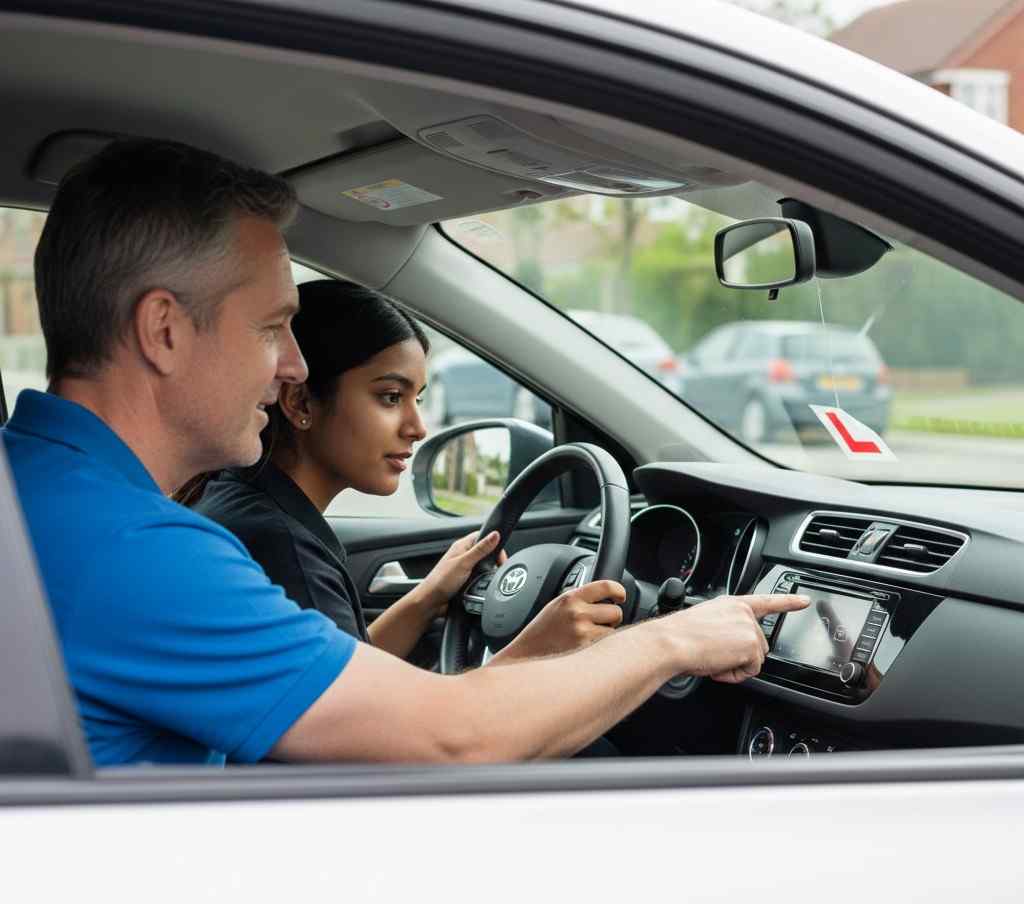
Learners often question whether driving test apps are allowed during the actual driving test. It is important to understand that apps are strictly preparation tools.
Mobile phones must be switched off and stored away before the test begins. Any device usage during the assessment would result in the test being terminated.
Using apps before test day supports familiarity and confidence, but understanding usage boundaries ensures learners prepare responsibly and avoid misunderstandings during the assessment.
Making an Informed Choice When Using Driving Test Apps
Choosing the right driving test app requires careful evaluation. Learners should prioritise accuracy, usability, and consistency over promises of guaranteed results.
Look for apps aligned with current DVSA standards and updated regularly. A clear interface supports smoother navigation and reduces frustration. Progress tracking tools help learners focus on weaker areas, while balanced content coverage ensures no topics are overlooked. Thoughtful selection allows learners to benefit fully from digital support without unrealistic expectations.
Conclusion
Driving test apps offer structured support that helps learners prepare with clarity and confidence. From theory revision and hazard perception to route familiarity, these tools organise preparation into manageable steps. Understanding how route practice works, recognising app limitations, and considering data privacy allows learners to use digital tools responsibly. When combined with professional instruction and consistent practice, driving test apps support informed preparation and reduced anxiety. Used correctly, they contribute to calmer revision and improved readiness. A balanced preparation approach is best supported with reliable tools such as the App for Driving Test.