
 Campbell Steven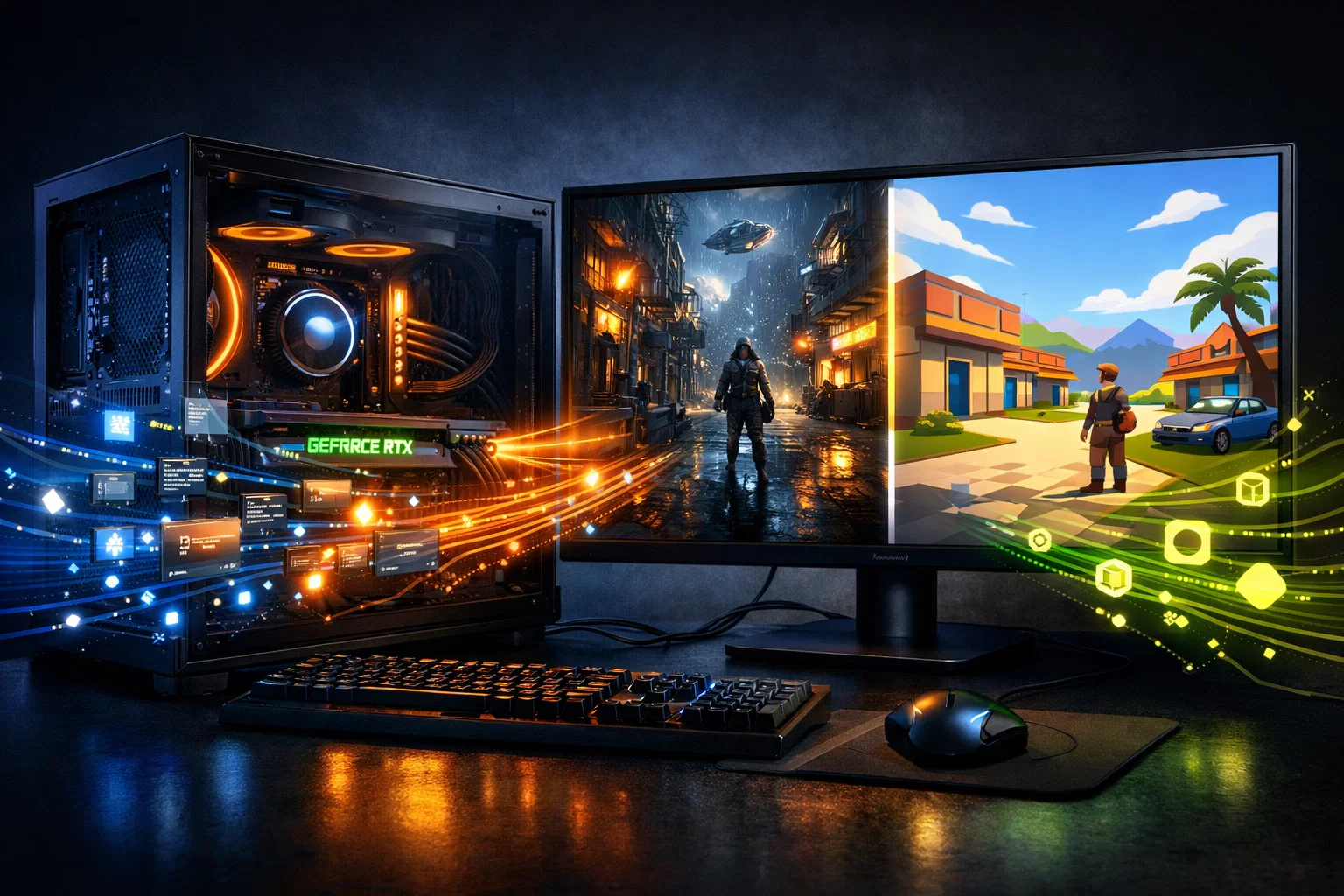
Modern video games feel alive. Worlds look realistic, lighting reacts naturally, and characters move with cinematic smoothness. None of this happens by accident. Behind every immersive scene is a complex relationship between Game Engines and your graphics processing unit. If you have ever wondered why upgrading your GPU suddenly makes games look sharper and run smoother, the answer lies in how engines like Unreal Engine and Unity are designed to push graphical workloads directly onto your hardware.
In this article, we will explore how leading Game Engines use your GPU, what tasks are handled behind the scenes, and why GPU performance is critical for both gamers and developers. Whether you are a player upgrading your system or a business planning large-scale hardware deployments, understanding this relationship gives you a clear technical advantage.
Understanding the Role of the GPU in Modern Games
Before diving into specific engines, it is important to understand what the GPU actually does. The GPU is responsible for rendering images, processing visual effects, and handling massive parallel calculations. Unlike the CPU, which focuses on logic and sequential tasks, the GPU excels at doing thousands of similar operations at the same time.
Modern Game Engines are built with this strength in mind. Instead of treating the GPU as a simple display device, they rely on it as the primary engine for visual realism. As a result, the GPU becomes the backbone of lighting, shadows, textures, physics simulations, and post-processing effects.
How Game Engines Communicate With the GPU
At a fundamental level, Game Engines act as translators. They take high-level instructions written by developers and convert them into commands the GPU can understand. This process involves graphics application programming interfaces such as DirectX, Vulkan, and Metal.
Through these APIs, engines send draw calls, shader programs, and memory instructions to the GPU. The more optimized this communication is, the smoother the game runs. Poorly optimized engines can overwhelm the GPU with unnecessary tasks, while well-designed engines balance visual quality with performance.
Unreal Engine and GPU Utilization
Unreal Engine is known for pushing visual boundaries. From blockbuster AAA titles to architectural visualization, it uses the GPU aggressively to deliver high-fidelity visuals.
Real-Time Rendering and the GPU
Unreal Engine relies heavily on real-time rendering. Every frame you see on screen is calculated in milliseconds. The engine sends geometry data, textures, and shaders to the GPU, which then calculates lighting, shading, and pixel colors.
Because Unreal Engine prioritizes realism, it often uses advanced rendering techniques that place heavy demands on the GPU. This is why high-end graphics cards are commonly recommended for Unreal-based games.
Lumen Global Illumination
One of Unreal Engine’s most notable technologies is Lumen. Lumen provides dynamic global illumination and reflections without the need for baked lighting. This means light bounces realistically across surfaces in real time.
Lumen depends almost entirely on GPU compute power. It uses ray tracing and software-based approximations that run directly on the graphics card. As a result, GPU performance directly impacts how smooth and accurate lighting appears in Unreal Engine games.
Nanite Virtualized Geometry
Nanite is another Unreal Engine feature that shifts heavy workloads to the GPU. It allows developers to use extremely detailed models without manually reducing polygon counts.
Instead of simplifying assets ahead of time, Nanite lets the GPU decide which details are necessary for each frame. This process involves streaming geometry data and performing visibility calculations on the GPU, dramatically increasing efficiency while maintaining visual quality.
Unity and GPU Optimization
Unity takes a slightly different approach compared to Unreal Engine, focusing on flexibility and scalability. However, the GPU is still at the heart of Unity performance.
Rendering Pipelines in Unity
Unity uses customizable rendering pipelines to control how graphics are processed. The Universal Render Pipeline and the High Definition Render Pipeline allow developers to tailor GPU usage based on project needs.
The Universal Render Pipeline is optimized for performance across a wide range of hardware, making it suitable for mobile and lower-end systems. The High Definition Render Pipeline targets powerful GPUs and supports advanced lighting and post-processing effects.
By choosing the right pipeline, developers ensure the GPU is used efficiently without wasting resources.
Shader Processing and Materials
Shaders are small programs that run on the GPU and determine how surfaces look. Unity relies heavily on shader processing for materials, lighting, and visual effects.
Each material in a Unity scene triggers shader calculations on the GPU. Complex shaders increase visual fidelity but also increase GPU workload. Well-optimized shaders balance quality and performance, which is why experienced Unity developers spend significant time refining them.
Physics and Compute Shaders
While physics calculations often involve the CPU, Unity also uses compute shaders to offload certain simulations to the GPU. Particle systems, cloth simulation, and fluid effects are examples of tasks that benefit from GPU acceleration.
By distributing workloads between the CPU and GPU, Unity ensures smoother performance even in visually dense scenes.
Why GPUs Are Critical for Game Engines’ Performance
The evolution of Game Engines has made GPUs more important than ever. Features such as real-time ray tracing, dynamic shadows, and volumetric lighting are only possible because modern GPUs can handle massive parallel workloads.
As games become more complex, engines rely on GPUs not just for rendering but also for simulation and data processing. This trend is expected to continue as technologies like machine learning based upscaling and procedural generation become more common.
GPU Memory and Asset Streaming
Another crucial factor is GPU memory. Textures, geometry, and shader data must fit into video memory for optimal performance. Both Unreal Engine and Unity use asset streaming techniques to manage memory efficiently.
When GPU memory is limited, engines must constantly load and unload assets, which can cause stuttering. High-capacity GPUs allow engines to keep more data readily available, resulting in smoother gameplay and faster scene transitions.
How Developers Optimize GPU Usage in Game Engines
Developers play a major role in how efficiently Game Engines use the GPU. Optimization techniques include level of detail management, occlusion culling, and batching draw calls.
Level of detail systems reduce the complexity of distant objects. Occlusion culling prevents the GPU from rendering objects that are not visible. Batching combines multiple objects into a single draw call, reducing overhead.
When these techniques are applied correctly, even visually impressive games can run smoothly on mid-range GPUs.
The Business Side of GPU Deployment
Beyond gaming PCs, Game Engines are used in simulation, training, film production, and virtual reality. Studios and enterprises often need multiple high-performance systems to support these workloads.
In such cases, investing in bulk GPUs can be a cost-effective way to scale production environments. Centralized rendering farms and development labs benefit from consistent GPU performance across multiple machines, ensuring predictable results and efficient collaboration.
The Future of Game Engines and GPU Technology
Looking ahead, the relationship between Game Engines and GPUs will only deepen. Ray tracing, neural rendering, and real-time path tracing are becoming more accessible as GPU architectures evolve.
Unreal Engine and Unity continue to integrate new GPU features as soon as hardware supports them. This means future games will look more realistic while relying even more heavily on GPU power.
As a result, understanding how engines use your GPU today prepares you for the demands of tomorrow’s gaming and visualization technologies.
Conclusion
The visual experiences we enjoy in modern games are the result of sophisticated collaboration between Game Engines and GPUs. Unreal Engine pushes realism through advanced lighting and geometry systems, while Unity balances performance and flexibility across platforms. In both cases, the GPU is the driving force behind rendering, simulation, and visual fidelity.
For gamers, this knowledge helps make smarter hardware choices. For developers and businesses, it highlights the importance of GPU investment and optimization. As Game Engines continue to evolve, the GPU will remain at the center of interactive experiences, transforming ideas into immersive digital worlds with every rendered frame.